Program & audience
Venue map & floor plans
Upload floor plans and drop labeled pins for attendees.
Help attendees find their way with an interactive venue map.
Getting there
Set the venue address — free text, so "Bella Center, Center Boulevard 5, 2300 København" works as well as a campus building name. Edit it on the Venue map tab itself (it saves as you type) or under Settings → General; both write the same field.
A Getting there card then opens the tab for admins and attendees alike, showing the address and an embedded map. Leave the address empty and no card appears at all — an event whose venue isn't settled shows nothing rather than an empty box.
Building the map
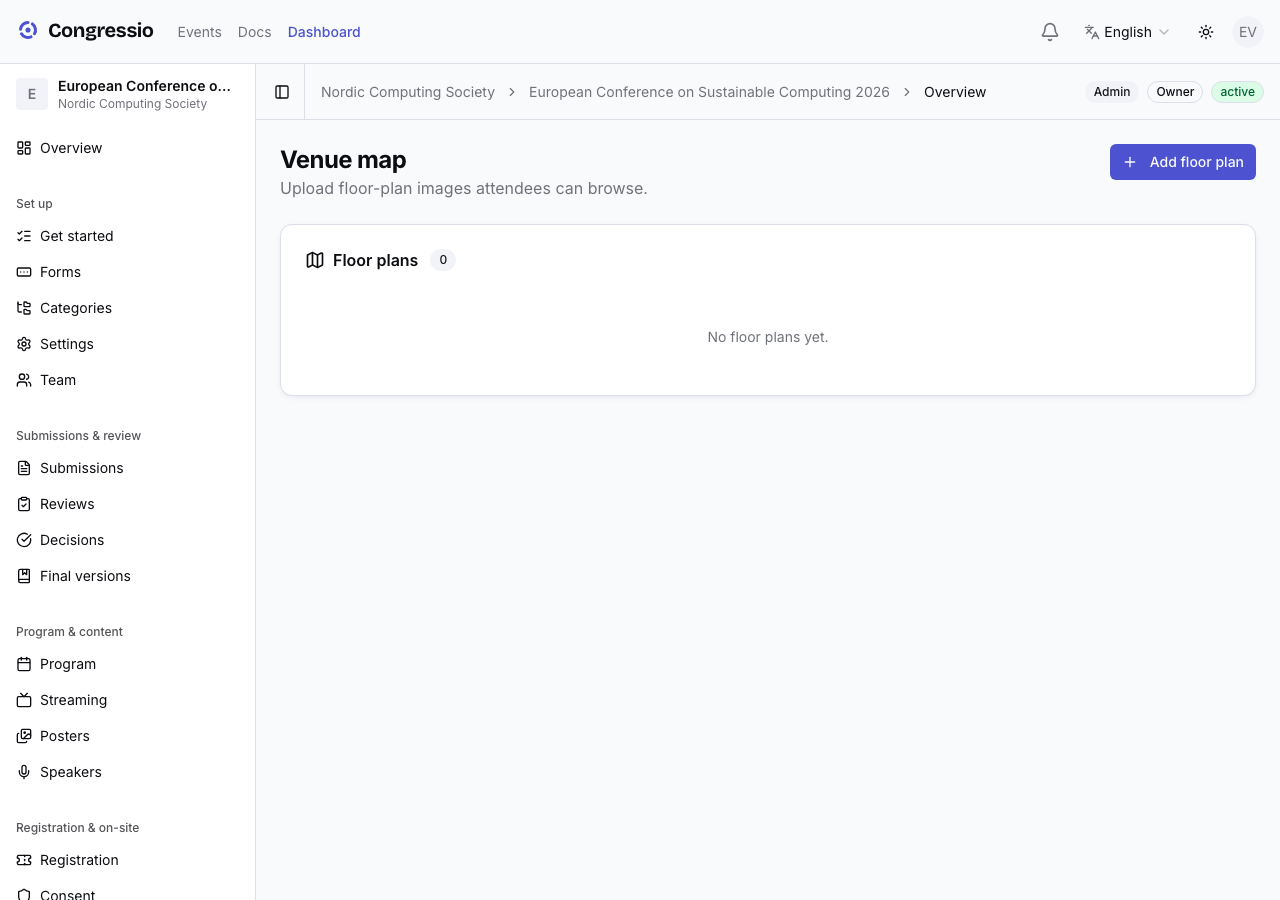
Open Venue map and click Add floor plan — each plan is a name plus an image (e.g. one per level; JPEG, PNG, SVG or WebP, up to 5 MB). Plans are shown in the order you add them.
To place a pin, click the spot on the floor plan where it belongs. A small form opens for:
- A label and a type — point, booth, room, session, sponsor, or info.
- Optionally a link to a sponsor (their booth) or a program session (its room).
Click an existing pin to edit its label, type or link — or delete it. Pins aren't draggable: to move one, delete it and click the new spot. Positions are stored relative to the image, so the map scales to any screen.
What attendees see
Attendees browse the floor plans on the public event site and tap pins — a sponsor pin links to the sponsor, a session pin to the session, and so on.
Related: Sponsors · Program & speakers