Program & audience
Poster gallery
Turn accepted posters into an interactive public gallery.
The Posters area builds a public, browsable gallery from your accepted submissions — there's no separate "poster" submission type. Once decisions are out, you can open a poster upload phase so accepted authors send you the actual poster file.
If you don't see this tab in the sidebar, enable its area under Settings → Event sections.
Collecting posters from authors
The files authors attach at submission time are abstracts and papers — rarely the poster itself. The card at the top of the Posters page opens a poster upload phase, with an optional deadline:
- Opening the phase notifies every accepted submission's author in-app.
- Authors upload their poster (an image or a PDF, up to 30 MB) from My submissions on the event site, and can replace it while the phase is open.
- The gallery automatically prefers that upload over the originally submitted files — no re-curation needed.
Curating the gallery
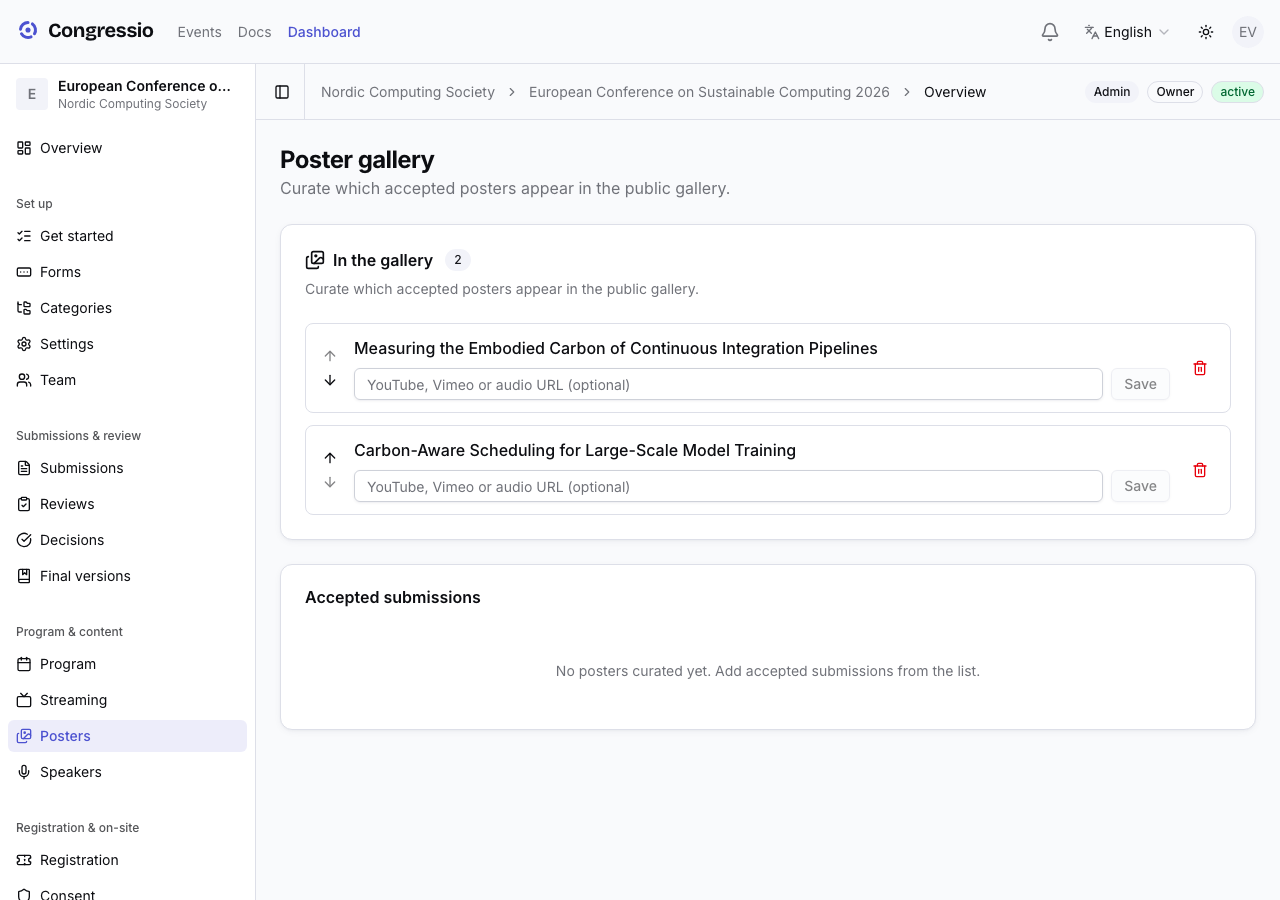
Open Posters and pick from the accepted submissions to add each one to the gallery. For each entry you can:
- Reorder it with the Move up / Move down buttons.
- Add an optional narration link (a safe embed, e.g. a short walkthrough video).
The poster file is chosen automatically: a poster the author uploaded after acceptance (see above) always wins; otherwise an image from the submission's files, otherwise the PDF, otherwise the first uploaded file.
What attendees see
The public gallery groups posters by track and shows only entries whose submission is still accepted (on an active event). Each poster has its own page with the image and any narration.
Related: Decisions · Program & speakers