Communications & branding
Emails, templates & campaigns
Editable templates, automatic triggers, and one-off campaigns.
Congressio sends transactional emails (submission received, decisions, registration confirmation, reminders) using templates you control, all styled with your branding.
Templates
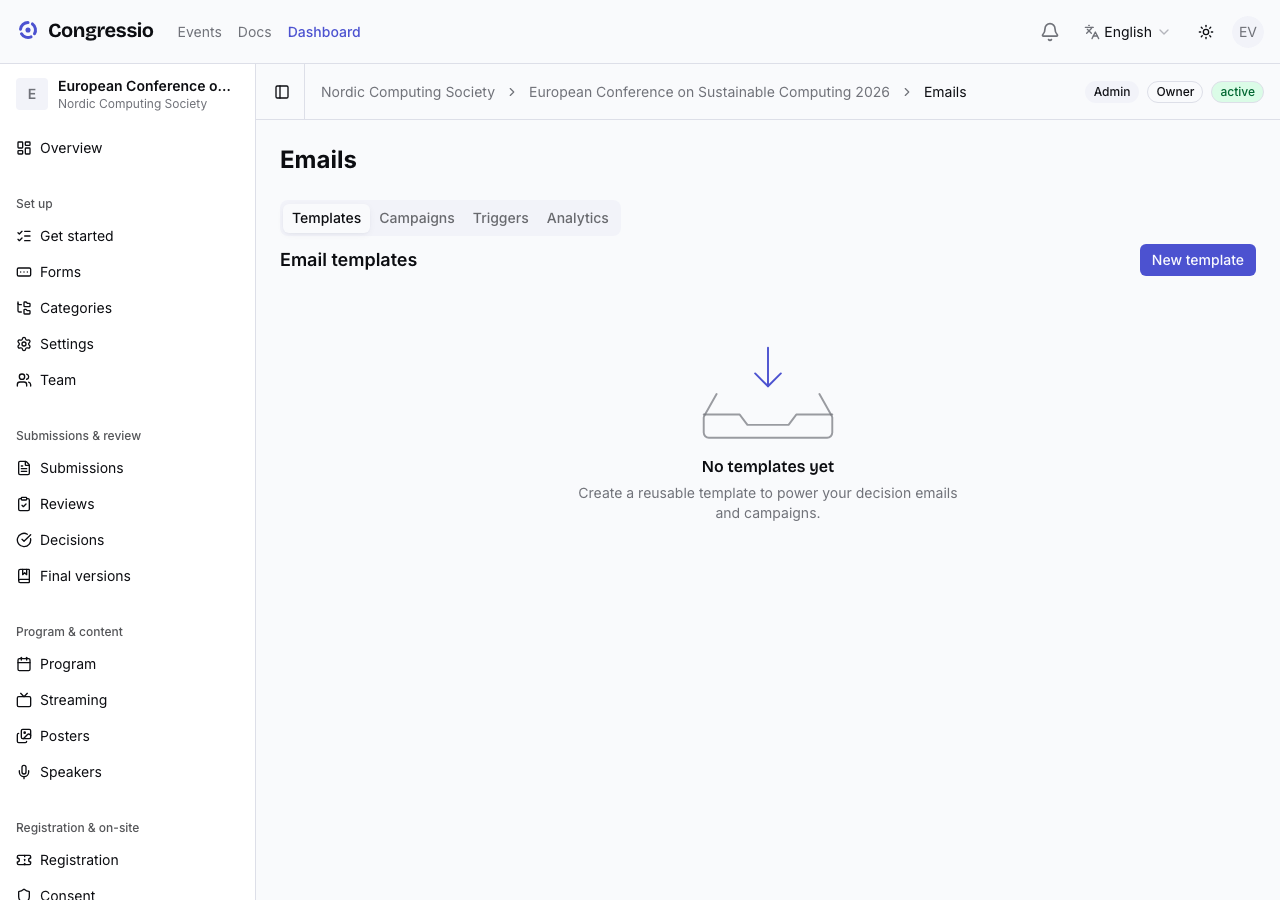
Under Emails, create and edit templates. Each has a subject and a body with merge fields like {{author_name}}, {{event_name}}, {{submission_title}}, and {{decision}}. Choose a category (submission, review, decision, reminder, registration, general).
When AI is enabled, Draft with AI writes or improves the subject and body — with an optional note for tone or content.
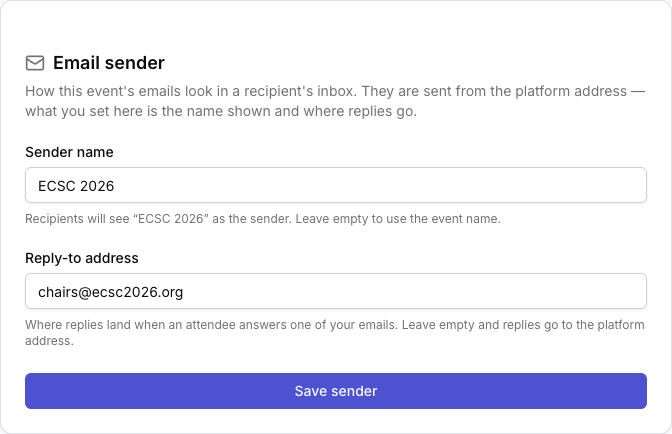
Who your emails come from
The Email sender card on Settings → General controls how this event's mail looks in a recipient's inbox:
- Sender name — the display name recipients see. Leave it empty and the event's own name is used, so an attendee sees "ECSC 2026" in their inbox rather than the platform.
- Reply-to address — where replies land when someone answers one of your emails. Leave it empty and replies go to the platform address, which nobody on your team reads; set it and an attendee's reply reaches a human on the organizing team.
The address mail is sent from stays the platform's own verified address — that's what keeps it delivering — so what you set here changes the name shown and the reply path, not the envelope. Emails that belong to no single event (a team invitation) carry your organization's name instead, and platform mail (account verification, billing invoices) always keeps the Congressio identity.
Triggers
Triggers connect a template to an event — e.g. send the "submission received" template automatically when someone submits, or fire reminders before a deadline. Enable the triggers you want and pick which template each uses.
Campaigns
Need a one-off announcement (a schedule change, a call reminder)? Campaigns send a chosen template to a selected audience (by role), with delivery tracking and analytics. Before anything goes out you confirm the subject and recipient count, and you can send a test to yourself first; saved drafts can be sent or deleted later from the campaigns list.
Publishing an event never sends anything. Emails go out only when a trigger fires or you send a campaign. Decision emails fire the moment a decision is marked final — see Decisions.
Related: Decisions · Branding · Analytics & reports