Registration & attendees
Check-in, passes & zones
Issue QR passes, scan attendees in, and control access by zone.
Every confirmed registration gets a digital pass with a QR code. On-site, you scan those codes to check people in and control access to areas.
If you don't see this tab in the sidebar, enable its area under Settings → Event sections.
Passes
A pass carries an opaque serial (signed into the QR), the attendee's ticket tier, and a status. Attendees open their pass at /events/your-event/pass — and can add it to Apple Wallet or Google Wallet (when those are configured for the platform). A pass is revoked automatically if the registration is refunded or withdrawn.
Check-in scanning
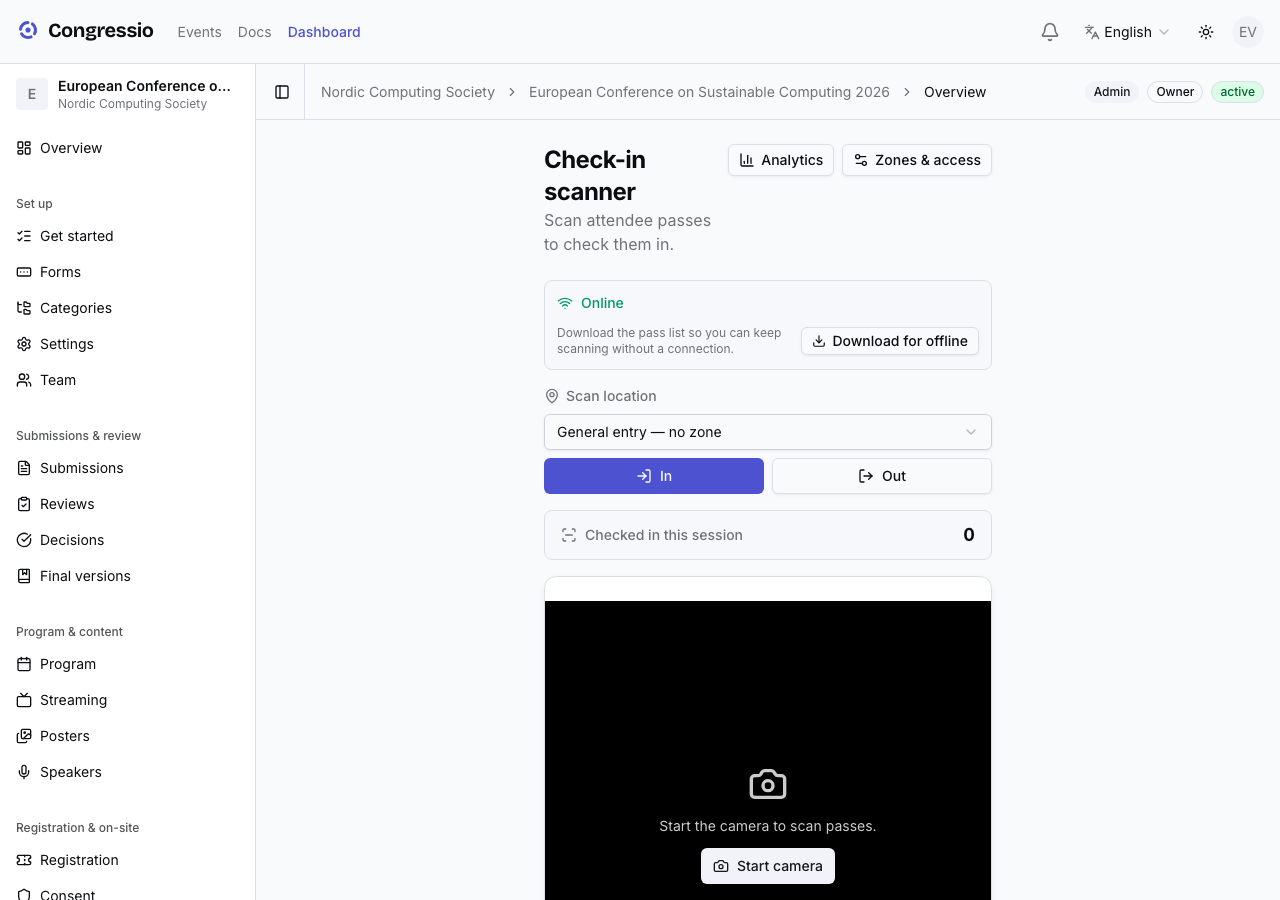
Open Check-in (admins and committee) to run the scanner. Each scan records the outcome — ok, duplicate, denied, revoked, or invalid — and a direction (in / out) so you can support re-entry. Scans work offline and de-duplicate when the device reconnects.
Zones & access control
Under Check-in → Zones, define zones (access-controlled areas, with optional capacity and re-entry rules) and scan points (named checkpoints, optionally bound to a zone).
Control who may enter a zone with tier entitlements: a zone with no entitlements is open to everyone; add a tier and the zone becomes gated to those tiers. Check-in → Analytics shows flow and occupancy.
Tiers come from your registration form's ticket options — see Registration.
Related: Registration · CPD/CME credits · Consent