Setting up your conference
Tracks
Organize submissions into tracks, with colors and descriptions.
Tracks let authors file submissions under a topic — e.g. Research, Industry, Student — and let you route reviewing by topic.
Adding tracks
Open Tracks and click Add Track. Each track has:
- A name.
- A color (used as a chip across the dashboard).
- An optional description — when AI is enabled, use Rewrite with AI to polish it.
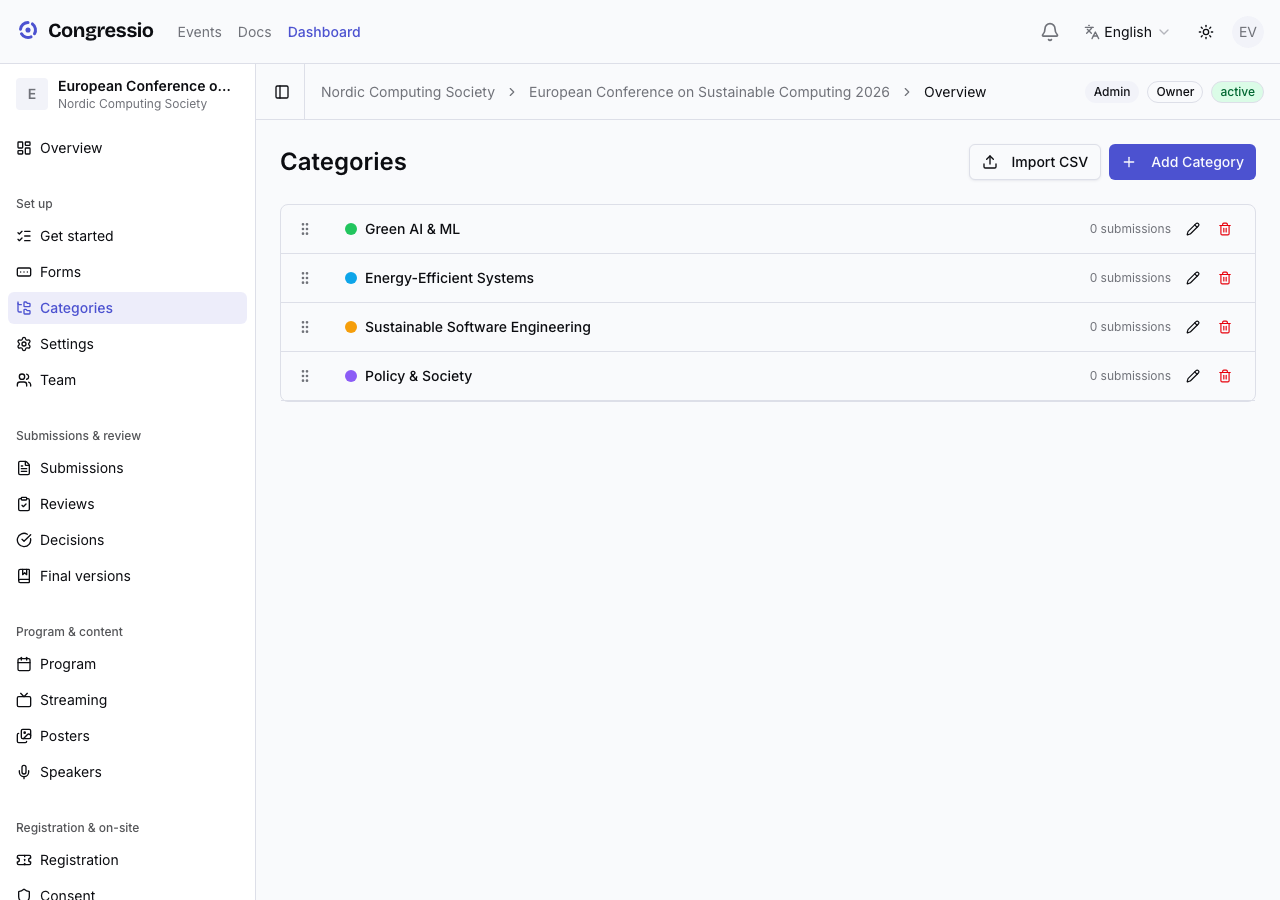
Tracks can be nested (a parent track with sub-tracks) if your event needs a hierarchy.
How tracks are used
- Authors pick a track on the submission form. Forms created by the guided setup get a required Track selector automatically; on a hand-built form, add the Track select field from the form builder's palette yourself — its options are always driven by this Tracks page, never edited per field.
- The review stage can auto-assign reviewers by track, matching reviewers to the topics they cover.
- Decisions, analytics, and exports can be filtered by track.
Tracks are optional. A small single-track event works fine with none — but even two tracks make reviewer assignment and reporting much easier.
Related: Call for papers · Reviewing