Setting up your conference
Branding & the public event page
Logo, colors, and how your public event page is generated.
Every published event gets a public page at /events/your-event-slug, generated from your event's content — description, dates, program, speakers, sponsors — and styled by your branding.
Setting branding
Under Settings → Branding:
- Logo — shown on the public page and in emails.
- Primary / secondary / accent colors — applied across the public page and email templates.
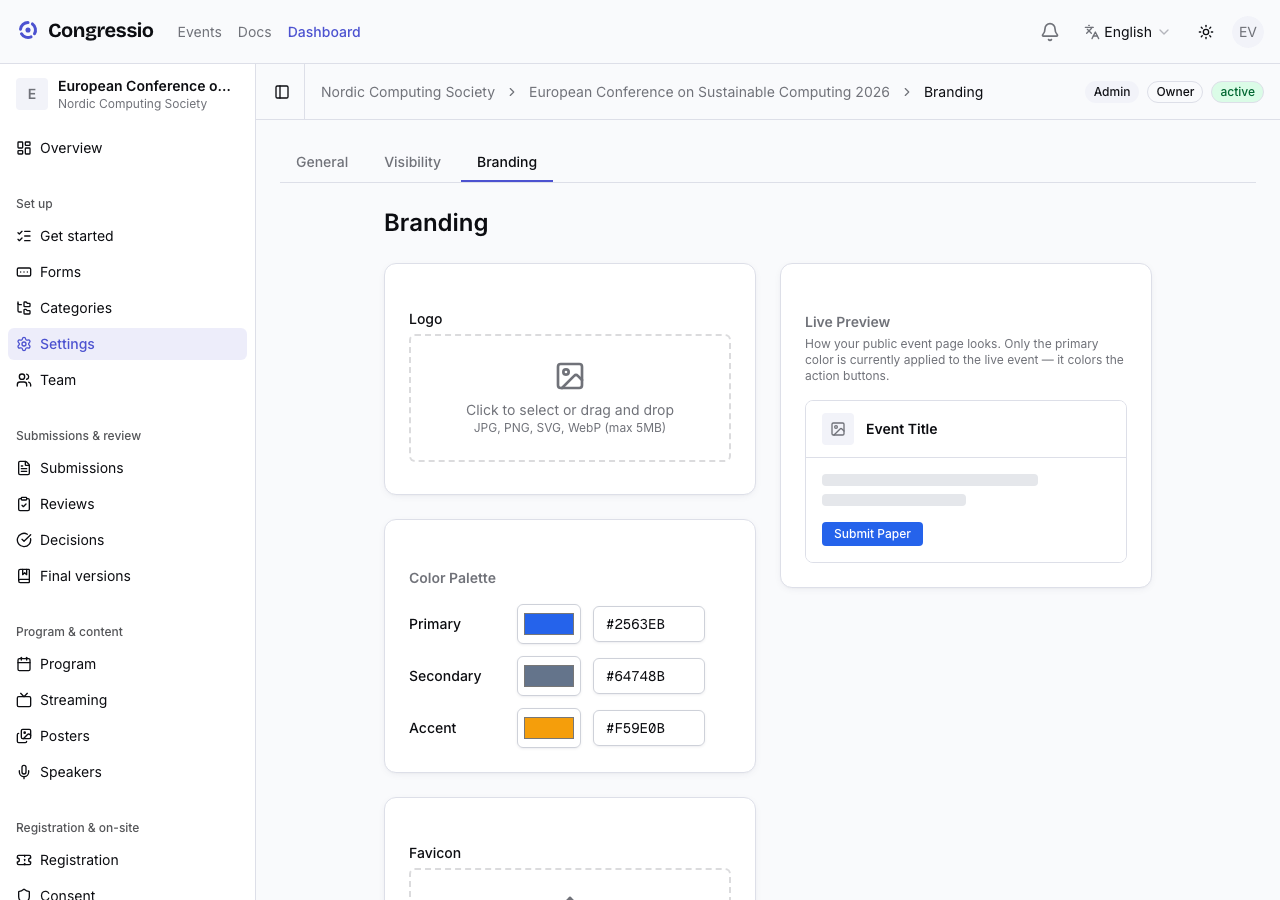
The guided setup can suggest a tasteful color palette from your brief; you can change it any time here.
The public page
The public page adapts to what exists: it shows a Submit call-to-action when the CFP is open, a Register button when registration is live, and Program / Speakers / Sponsors tabs once you've added them. Nothing appears until it's ready, so a half-built event never looks broken.
Enterprise plans can go further with a fully custom white-label landing page and a custom domain.
Announcing the event
The neighboring Settings → Flyer tab turns the event's information into shareable visuals — an Instagram square, a LinkedIn image, or a poster — styled from a template and your cover image. See Flyer generator.
Related: Flyer generator · White-label landing pages · Program & speakers · Sponsors