Getting started
Roles, team & access
Who can see and do what — organization roles and event roles.
Access in Congressio comes from two layers: your organization role and your per-event role.
Organization roles
Set on the organization's Members tab (a top-level tab next to Settings on the org dashboard):
- Owner — full control, including billing and payouts.
- Admin — manage events, members, and settings (not billing ownership).
- Member — belongs to the org but can't create or manage events unless given an event role.
Owners and admins implicitly get the admin role on every event in the organization.
Event roles
Set on an event under Team:
| Role | Can do |
|---|---|
| Admin | Everything on the event — forms, reviewers, decisions, registration, settings. |
| Committee | Reads the whole review operation — Reviews, Assignments, Conflicts, Reviewers, Review settings — plus some on-site tools. Acting on those screens (assigning, reassigning, resolving conflicts, changing settings) stays admin-only, and Committee members don't get the Program. |
| Reviewer | See assigned submissions and submit reviews. |
| Speaker | Presents at the event; no organizer tools. |
| Exhibitor | Booth staff — gets access to the Lead scanner. |
| Attendee / Submitter | Submit papers and/or register; see their own submissions. |
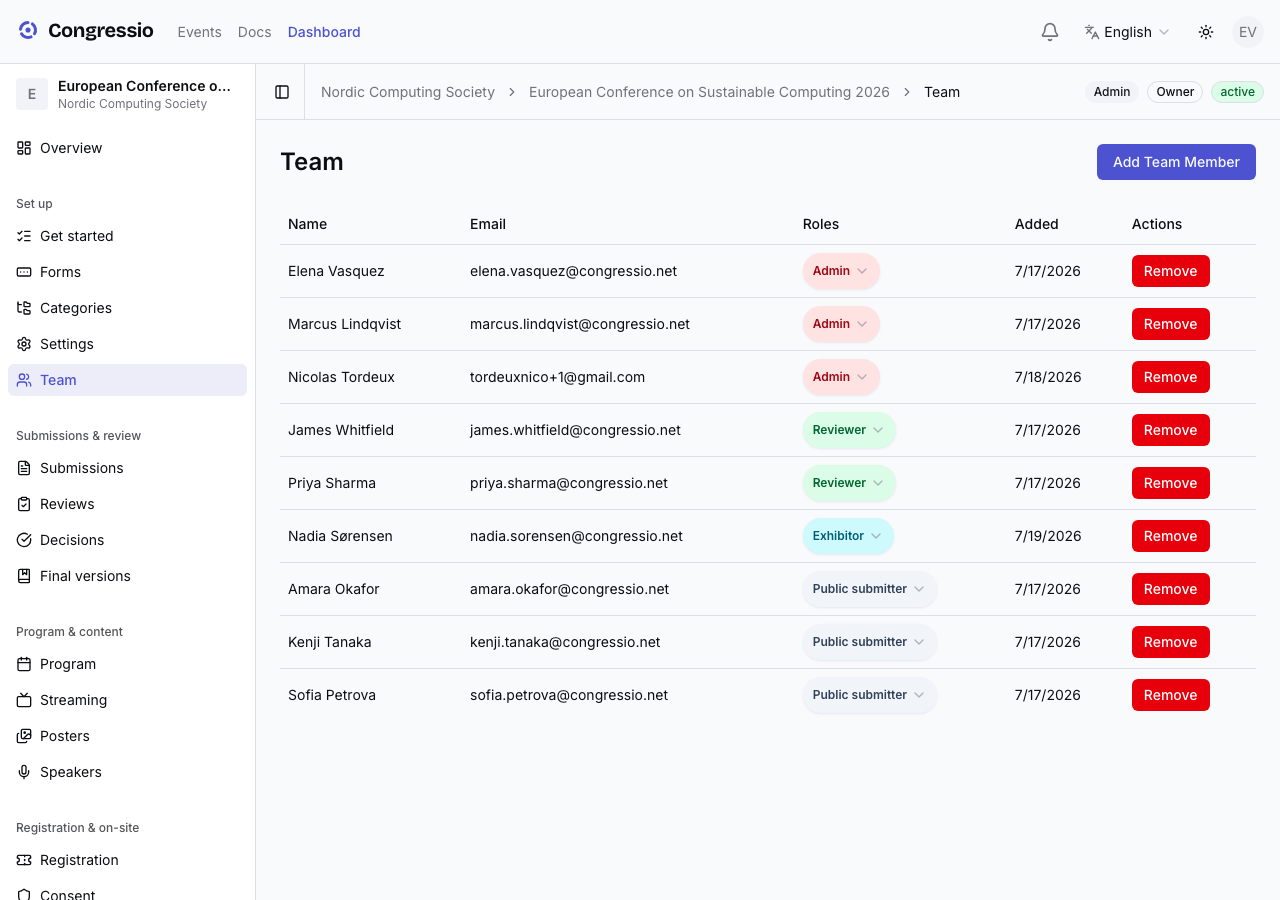
Inviting people
On Team, invite by email. Reviewers can be added even if they don't yet have an account — they get an invitation link and join when they accept.
An invitation belongs to the address you sent it to. Someone who opens the link while signed in as a different account (a work address and a personal one, say) is told so and prompted to sign in as the invited address — the role isn't granted to the wrong account, and the invitation stays valid for the right one. The same applies to claiming a group registration seat that was addressed to a specific person.
Links inside per-user emails carry the same check: open one while signed in as someone else and a banner offers to switch accounts. It's a prompt, not a forced sign-out — nothing you have open elsewhere is closed unless you press the button.
Inviting someone as a Speaker does more than grant a role: it lets them fill in their own bio and photo. See Program & speakers.
The sidebar adapts to your role: a reviewer never sees the decision queue or registration tools, and menu items you can't use simply don't appear.
Related: Reviewing · Events & publishing