For participants
Submitting & tracking a paper (authors)
How authors submit, revise, rebut, and see their decision.
This guide is for authors submitting to a conference on Congressio.
Submitting
Go to the event's Submit page (/events/<event>/submit). You'll need an account — you can create one from the sign-in prompt. If the event has several submission forms, pick the right one first.
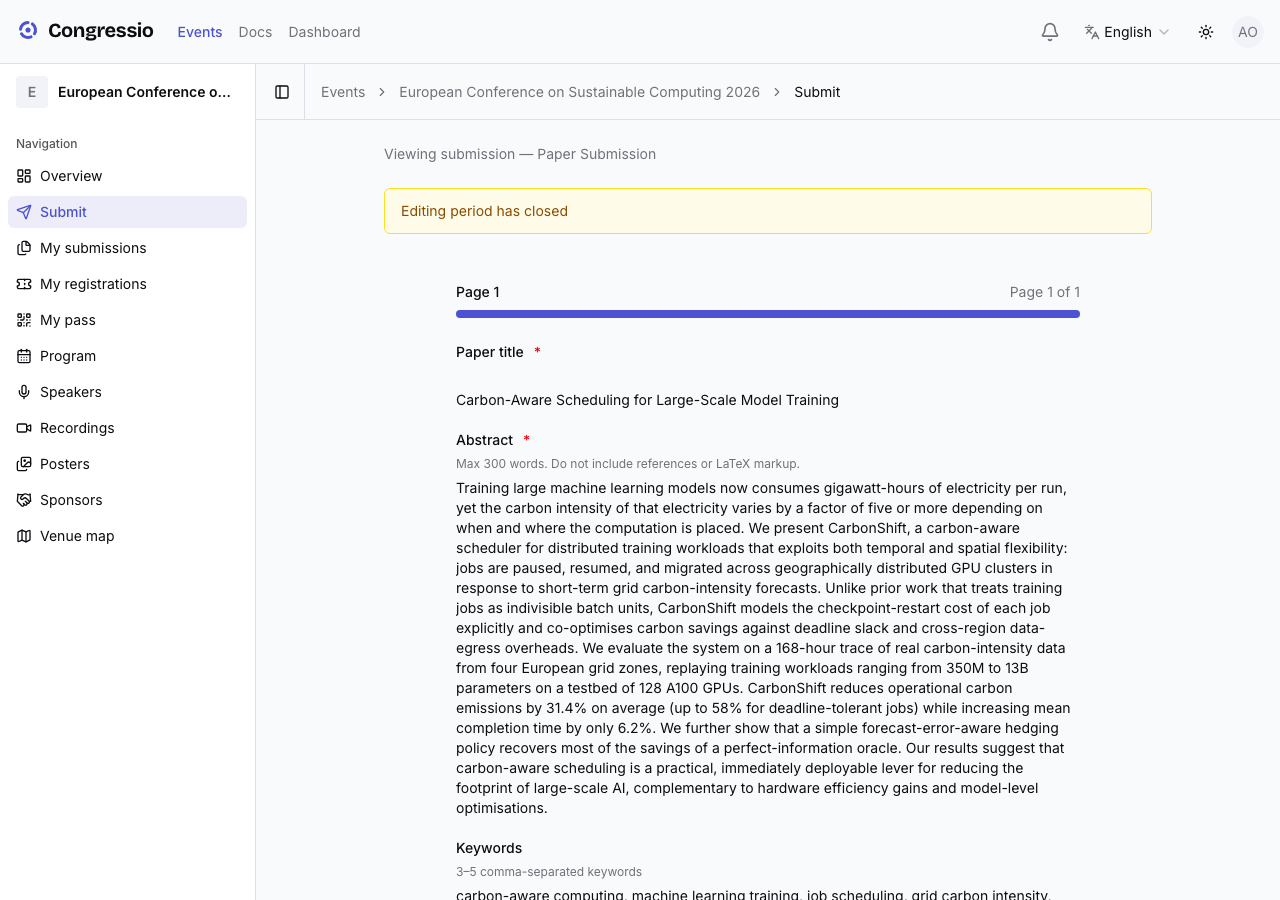
Fill in the form the organizers built (title, abstract, paper file, and whatever else they ask). You can Save draft and finish later, or Submit. You may keep editing until the submission deadline — a banner at the top of the form shows the deadline and how long is left; after it passes, the form becomes read-only.
Co-authors
Add co-authors in the author list — name, email, affiliation, and ORCID, plus who's presenting. Toggle invite as co-author to send them an invite; once they accept, the paper appears under their My submissions too, and they can edit it while editing is open. Only withdrawing (or deleting a draft) stays owner-only.
Listing someone is not the same as giving them access. The Co-authors page shows every team you're on and, for each person, whether they have access, have an invitation pending, or are listed only — named on the paper and never notified.
Tracking your submissions
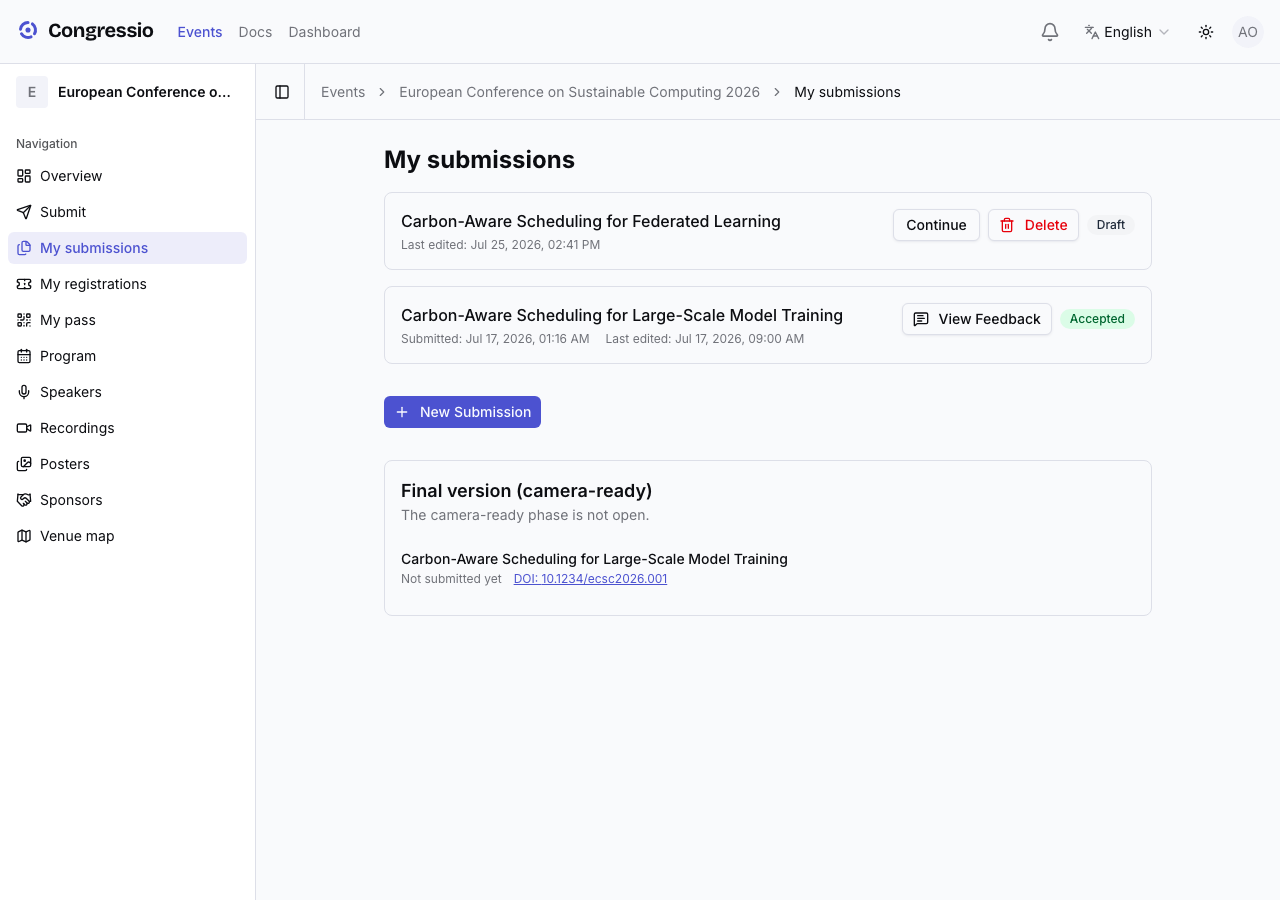
My submissions (/events/<event>/my-submissions) shows each paper with its status (draft, submitted, under review, accepted, rejected, revision requested). From here you can continue a draft, withdraw a submitted paper (with a reason — only an organizer can undo that), and open View feedback once a decision is out.
Rebuttals
If the organizers open a rebuttal phase, a panel appears on My submissions showing your (anonymized) reviews with a box to respond to each — reviewer identities are never shown. Save before the window closes.
Decision & camera-ready
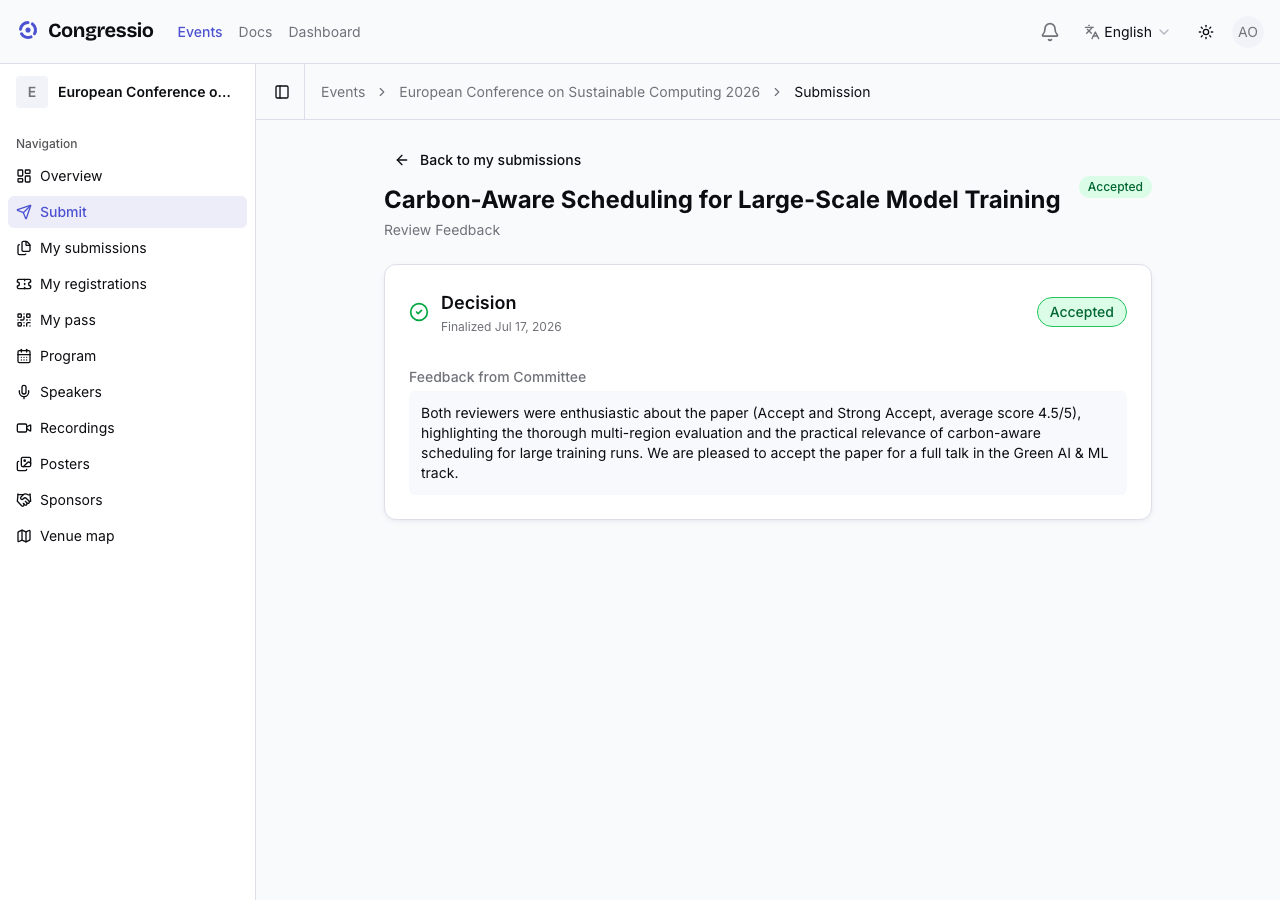
Decisions appear as soon as they are final — there's no separate release date to wait for. View feedback shows the committee's decision along with the reviewers' comments and scores, anonymized ("Reviewer 1/2/3" — identities are never shown). If you were asked to revise, use Start revision — requested revisions can be resubmitted even after the CFP close date. If accepted and the camera-ready phase is open, upload your final version from My submissions.
Related: Call for papers · Decisions · Camera-ready